Building Type-Safe AI Prompts with TypeScript | OmnikonOMNIKON://BUILDING TYPE-SAFE AI PROMPTS WITH TYPESCRIPT
$ cat /omnikon/system/building type-safe ai prompts with typescript.md
Building Type-Safe AI Prompts with TypeScript In the previous article, we explored why...
3 min read0 viewsJul 10, 2026 Building Type-Safe AI Prompts with TypeScript
In the previous article, we explored why prompt strings become difficult to manage as AI applications grow.
But identifying the problem is only half the journey.
The next question is:
**How should we build prompts instead?**
As developers, we already have great tools for building reliable software.
TypeScript catches type errors.Zod validates runtime data.ESLint catches mistakes before production.Unit tests prevent regressions.So why are prompts still written as plain strings?
Today we'll explore how **type-safe prompt engineering** makes AI applications more reliable and easier to maintain.
---
Most applications still look something like this.
ts
const prompt = `
You are an expert technical writer.

Summarize the following article.

Language: ${language}

Tone: ${tone}

Article:

${article}
`;
Looks simple.
But what happens if someone writes
GOOGLE_ADS_PLACEHOLDER
[ ADVERTISEMENT SPACE • SLOT_ID: article-detail-ad ]
Format: auto • Publisher: ca-pub-8663425706426895generatePrompt({
language: "English"
});
TypeScript doesn't complain.
Your IDE doesn't complain.
The application compiles successfully.
You only discover the issue after making an expensive API request.
The problem is that **strings don't describe structure**.
ts
`
Summarize

${text}

Audience

${audience}

Output

${format}
`
Questions immediately arise.
text required?Can audience be empty?What values are allowed?What format should the output follow?The string itself can't answer any of these questions.
Instead of describing prompts as text...
Describe them as **objects**.
ts
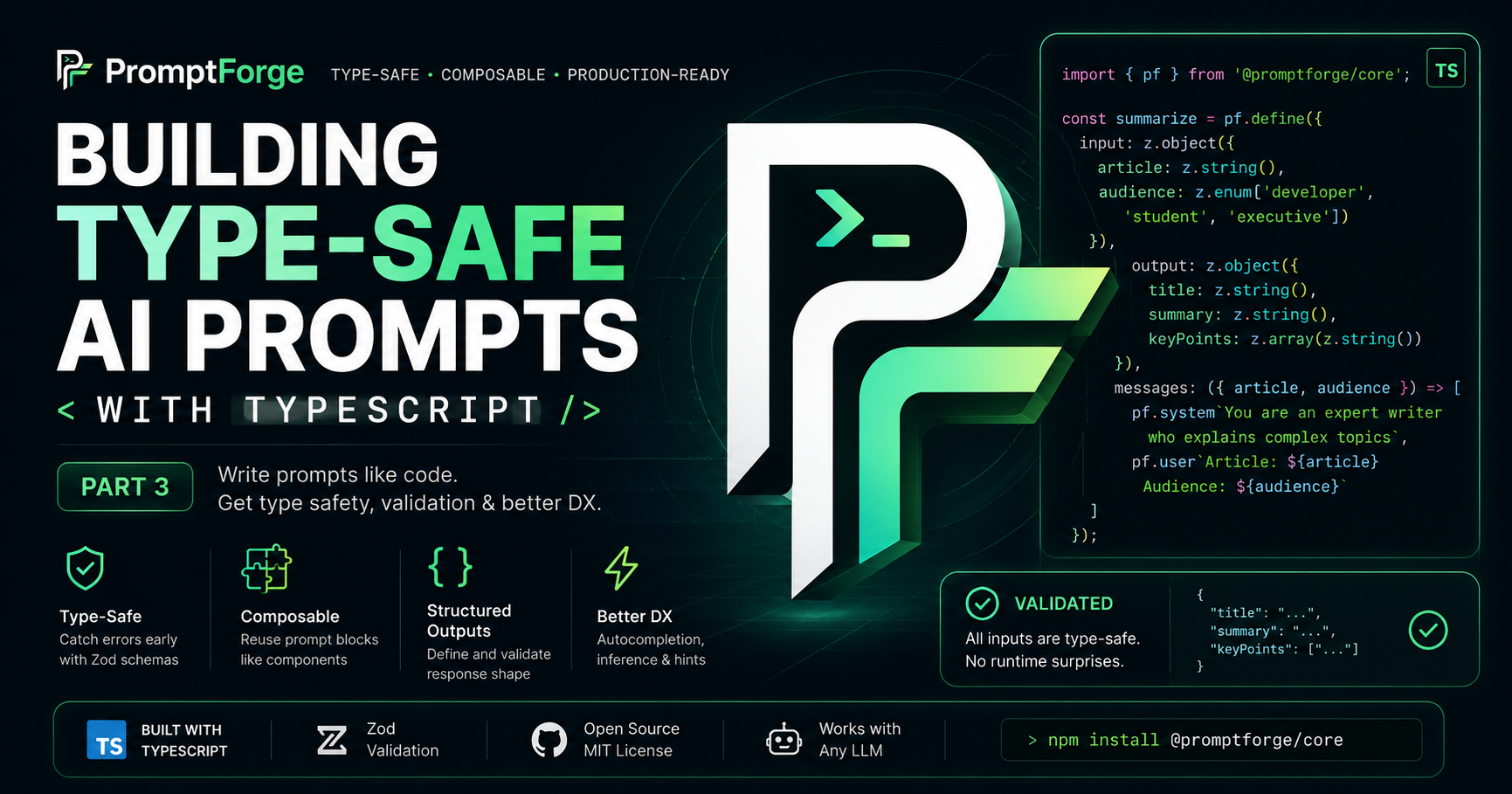
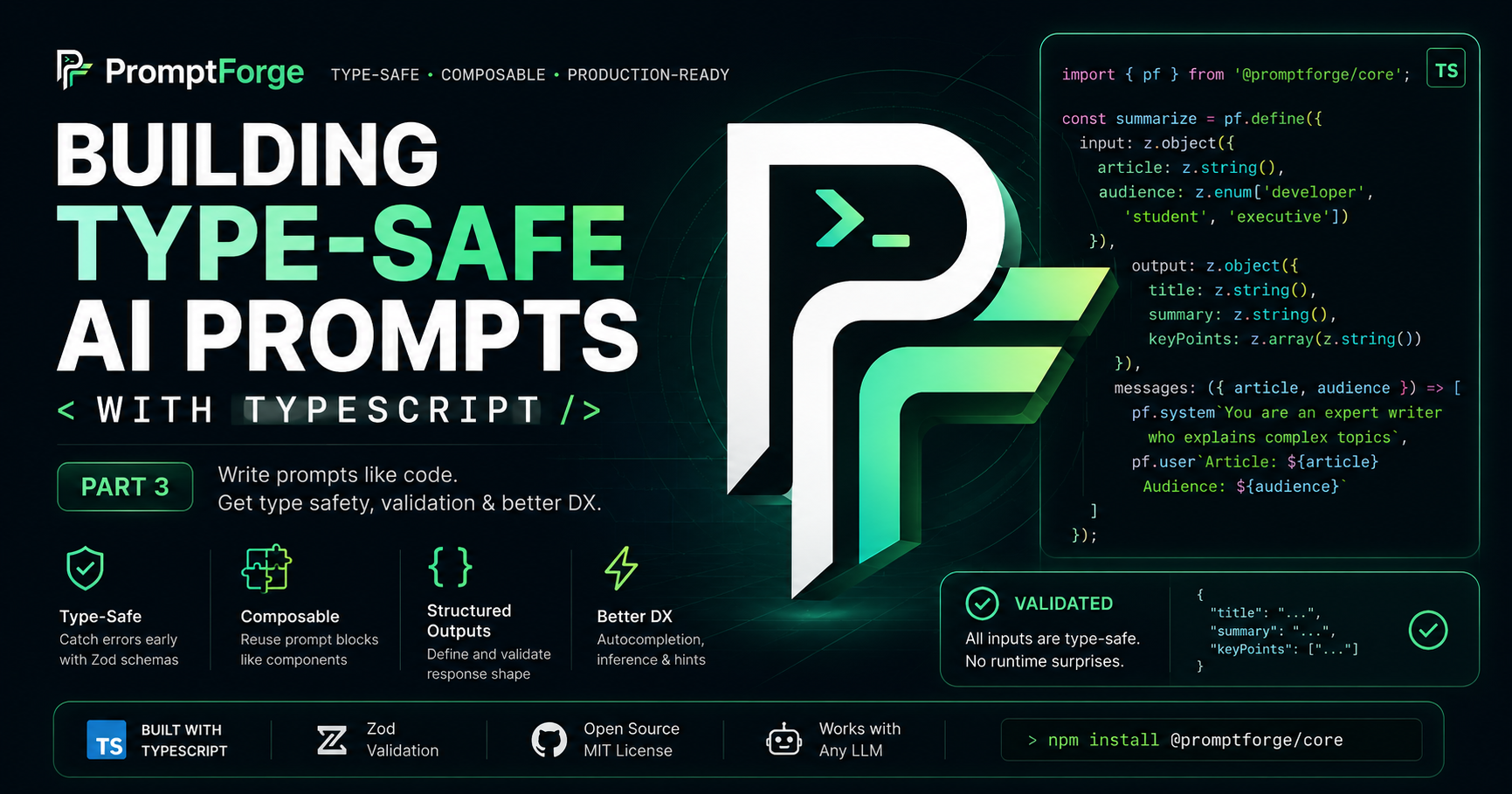
const summarize = pf.define({

  input: z.object({

    article: z.string(),

    audience: z.enum([
      "developer",
      "student",
      "executive"
    ])

  }),

  output: z.object({

    summary: z.string()

  }),

  messages: ({ article, audience }) => [

    pf.system`
      You are an expert writer.

      Tailor explanations for a ${audience}.
    `,

    pf.user`
      Summarize:

      ${article}
    `

  ]

});
Now your prompt has an actual API.
One of my favorite parts of TypeScript is that you rarely need to write interfaces manually.
The same idea applies here.
ts
type Input = pf.inferInput<typeof summarize>;
ts
{
  article: string;
  audience: "developer" | "student" | "executive";
}
Everything stays synchronized automatically.
TypeScript only protects you during development.
What happens when data comes from an API?
That's where runtime validation matters.
ts
summarize.compile({

  article: 42,

  audience: "developer"

});
Instead of silently failing later...
PromptForge immediately throws
text
PromptValidationError

Expected

article: string

Received

number
You catch mistakes before calling the LLM.
Inputs aren't the only thing that benefit from schemas.
ts
output: z.object({

  title: z.string(),

  summary: z.string(),

  keywords: z.array(z.string())

})
Now your application knows exactly what shape the response should have.
Most AI applications repeat instructions.
Instead of copying them...
ts
const safety = pf.define({

  messages: () => [

    pf.system`
      Never expose secrets.
    `

  ]

});
ts
const assistant = pf.define({

  input: z.object({

    question: z.string()

  }),

  messages: ({ question }) => [

    pf.include(safety),

    pf.user`${question}`

  ]

});
Because PromptForge understands your schema...
Your editor can help you.
VS Code immediately suggests
Everything developers already expect from modern tooling.
Large AI applications eventually become collections of prompts.
Those prompts deserve the same engineering principles as the rest of your codebase.
Treating prompts like software makes them dramatically easier to maintain.
Type safety is only the beginning.
In the next article, we'll explore one of the most powerful ideas behind PromptForge:
**Composable Prompt Engineering**
Instead of copying prompts across your project, we'll build reusable prompt blocks that can be combined just like React components.
Once you start composing prompts, you'll never want to go back to copy-pasting instructions.
bash
npm install @promptforgee/core
https://prompt-forge-docs.vercel.app/
https://github.com/Omnikon-Org/PromptForge
https://www.npmjs.com/package/@promptforgee/core
Prompt engineering is quickly becoming an essential part of modern software development.
The better our applications become, the more valuable our prompts become.
So maybe it's time we stop treating prompts like strings...
...and start treating them like software.
If you're building AI applications with TypeScript, I'd love to hear your thoughts.
How are you currently managing prompts in your projects?